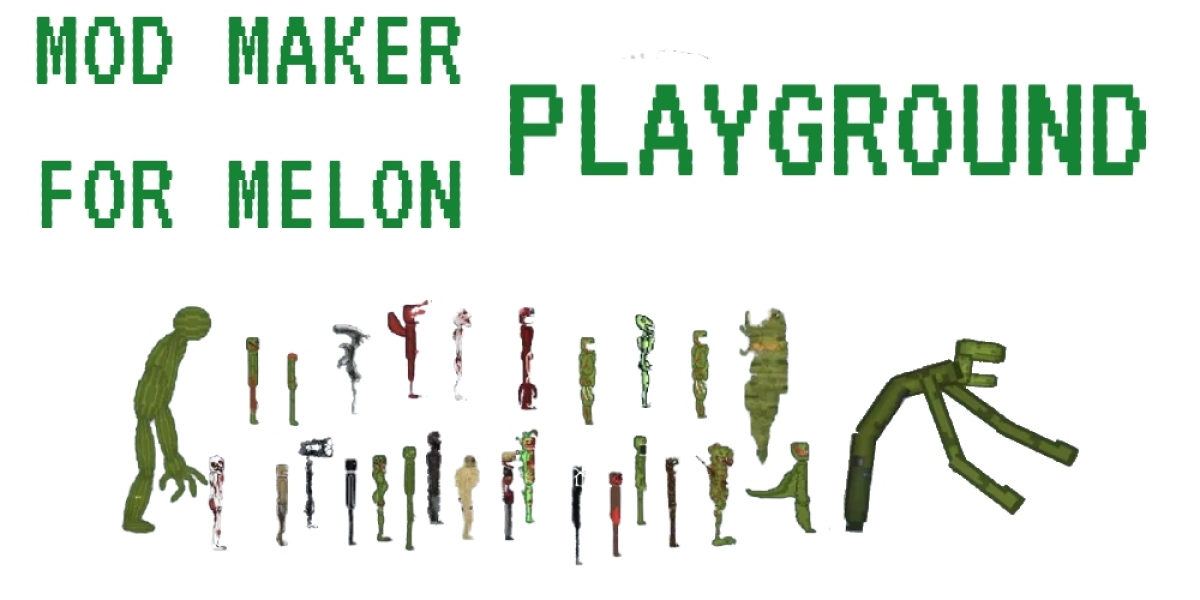

Then you might just find yourself strangely captivated by Melon Playground, a simple yet surprisingly engaging sandbox game. While it may look basic at first glance, underneath its minimalist exterior lies a world of creative possibilities. This article will guide you through the core mechanics, highlight the enjoyable aspects, and offer some friendly advice to help you fully experience the delightfully absurd world of Melon Playground. If you want to try it for yourself, you can find the game.
Getting Started: A Gentle Introduction to the Playground
Melon Playground’s beauty lies in its simplicity. There are no complex tutorials or convoluted narratives to navigate. Upon launching the game, you are greeted with a blank canvas – a rectangular space where your imagination is the only limit. The interface is straightforward. Along the left side of the screen, you'll find a collection of icons representing the various objects and tools at your disposal. These include a variety of humanoids (the iconic "melons," as well as apples, corn, and other fruits and vegetables), weapons, explosives, medical items, machinery, and structural components.
To place an object in the world, simply select its icon and tap or click on the screen. From there, you can drag it around, rotate it using the on-screen controls, and connect it to other objects. The key to understanding Melon Playground is realizing that everything within the game interacts based on realistic physics. Gravity is a constant force, objects have mass and inertia, and collisions result in predictable (and sometimes unpredictable) outcomes.
The top of the screen displays several essential buttons. These include the pause button (crucial for setting up elaborate scenarios), the reset button (for clearing the entire playground and starting fresh), and the menu button (which allows you to save and load your creations). Don't underestimate the importance of saving! Trust us, you will want to preserve some of your particularly impressive (or hilariously disastrous) experiments.
The Core Gameplay Loop: Experimentation and Observation
Melon Playground doesn’t offer pre-defined objectives or structured gameplay. Instead, it encourages free-form experimentation. The primary gameplay loop revolves around trying different combinations of objects, tools, and environmental interactions, and then observing the results. This can range from simply placing a melon on a ramp and watching it roll down, to constructing elaborate contraptions designed to inflict creative mayhem.
Want to see what happens when you attach a rocket to a watermelon? Go for it. Curious about the structural integrity of a bridge made entirely of syringes? The playground is your laboratory. The game provides the tools, and you provide the imagination.
One of the most satisfying aspects of Melon Playground is the sheer variety of possibilities. You can build intricate machines, simulate combat scenarios, create physics-based puzzles, or simply indulge in mindless destruction. The freedom to experiment without constraints is incredibly liberating.
The humanoids, with their distinct appearances and ragdoll physics, add another layer of entertainment. While they don’t have any individual AI or personalities, they react realistically to impacts, explosions, and other forms of trauma. This can lead to some surprisingly visceral and darkly humorous moments. It is important to note that the game does contain simulated violence, so it may not be suitable for all audiences.
Tips for Maximizing Your Melon Playground Experience
While Melon Playground is inherently intuitive, here are a few tips to help you get the most out of your experience:
Embrace the Pause Button: The pause button is your best friend. Use it liberally to carefully position objects, fine-tune your constructions, and set up elaborate scenarios before unleashing chaos. It allows you to be precise and deliberate in your experimentation.
Master the Connection Tool: The connection tool is essential for building stable structures and complex machines. Experiment with different connection types to understand how they affect the overall integrity of your creations.
Save Your Creations: As mentioned earlier, saving your creations is crucial. You never know when you might stumble upon a particularly ingenious design or a hilariously chaotic scenario that you want to revisit later.
Explore the Modding Community: The Melon Playground community is incredibly active, and they have created a wealth of mods that add new objects, tools, and functionalities to the game. Exploring these mods can significantly expand your creative possibilities. You can find mods on various online platforms.
Don't Be Afraid to Fail: Melon Playground is all about experimentation, and failure is a natural part of the process. Don't be discouraged if your initial attempts don't go as planned. Learn from your mistakes and try again. The most interesting discoveries often arise from unexpected outcomes.
Consider your device: Melon Playground can become resource-intensive as the number of objects and interactions increase. If you experience performance issues, try reducing the number of objects in your scene or adjusting the graphics settings.
Conclusion: A World of Absurd Creativity Awaits
Melon Playground is not a game in the traditional sense. It’s more of a digital sandbox, a physics playground where you can unleash your inner mad scientist. While it may appear simple on the surface, its depth lies in the freedom it provides and the emergent gameplay that arises from experimentation. Whether you're a seasoned gamer or someone simply looking for a unique and entertaining way to pass the time, Melon Playground offers a surprisingly captivating experience. So, dive in, experiment, and discover the bizarre and wonderful possibilities that await. And remember, if you want to experience the chaos yourself.